
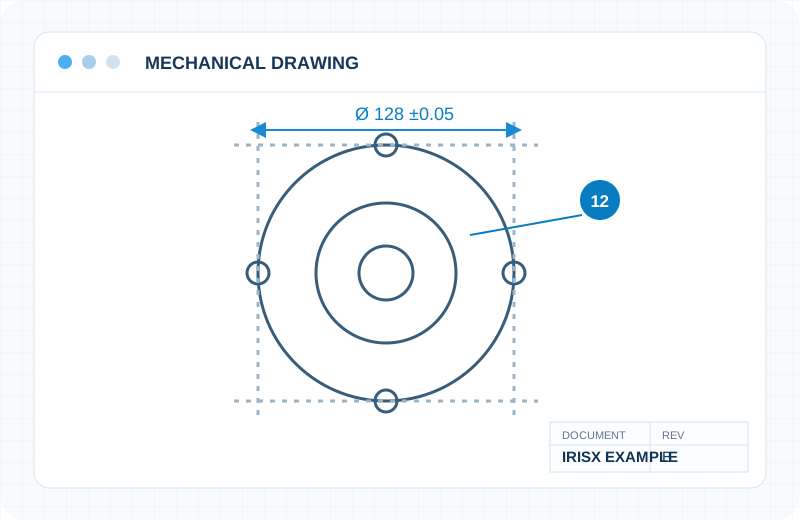
Engineering Drawings
Dimensions, callouts, symbols, GD&T, characteristic and revision information.
Drawing IntelligenceStart from the document, not from a generic OCR template. IrisX combines a drawing-intelligence product foundation with customizable workflows for many types of technical information.
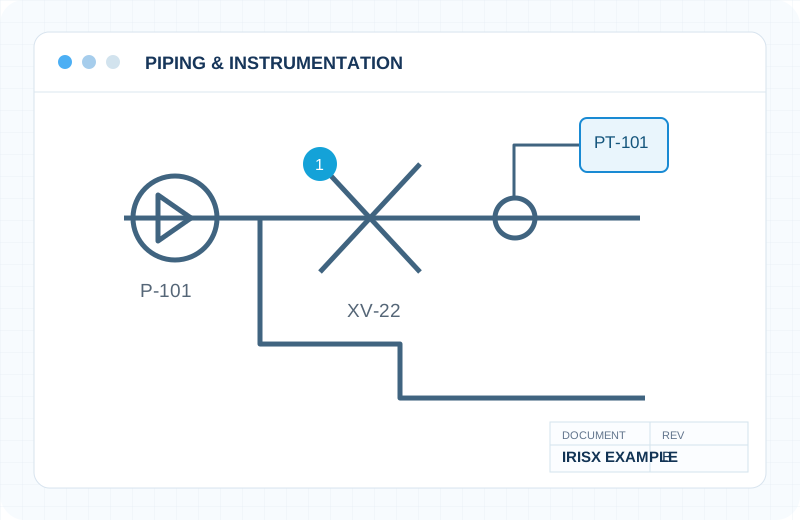
Illustrative P&ID document example, not a live IrisX extraction screen.
Filter by established drawing use cases, general technical documents, or custom engineering projects.
Dimensions, callouts, symbols, GD&T, characteristic and revision information.
Drawing Intelligence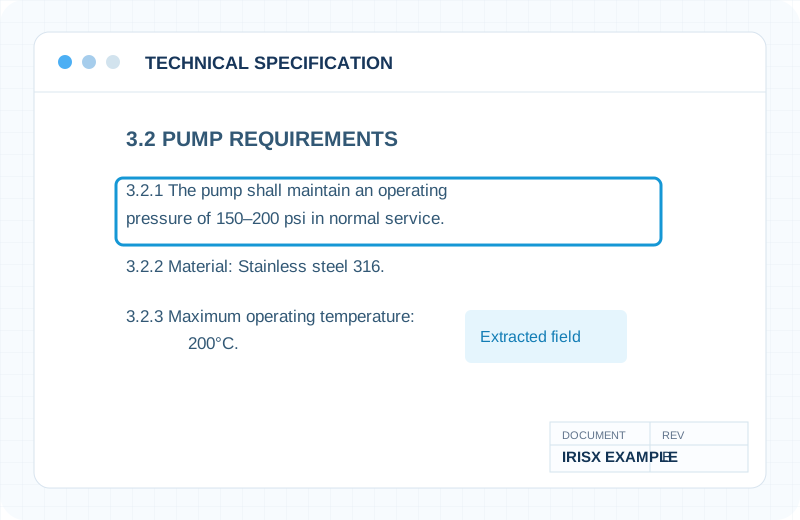
Requirements, operating values, materials, sections, cross-references.
Scoped evaluationEquipment tags, valves, instrument identifiers and technical relationships.
Custom solution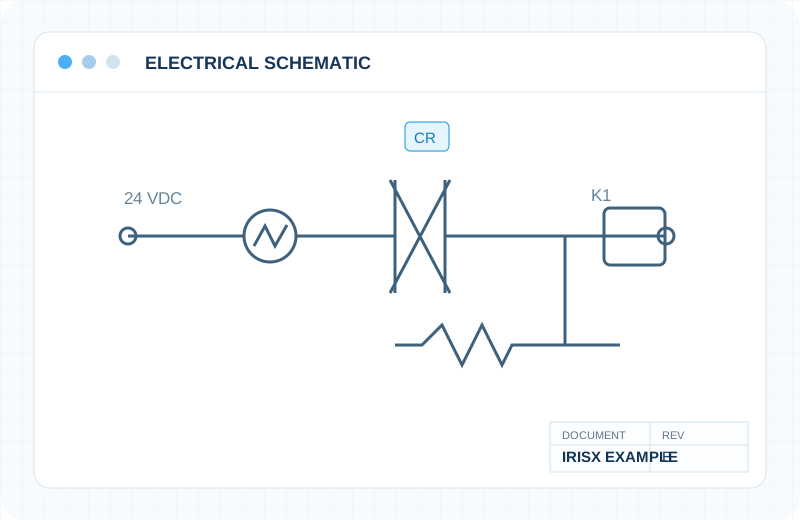
Electrical symbols, circuits, component tags and connection structure.
Custom solution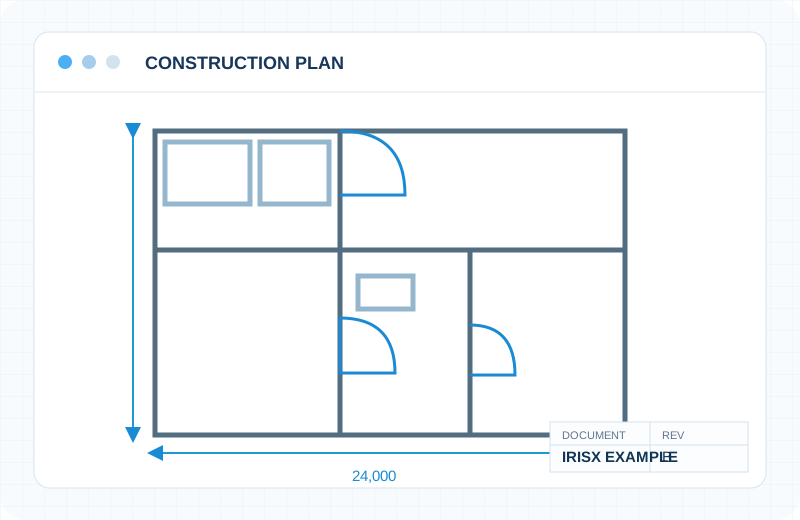
Plans, annotations, schedules, site information and specialized markings.
Custom solution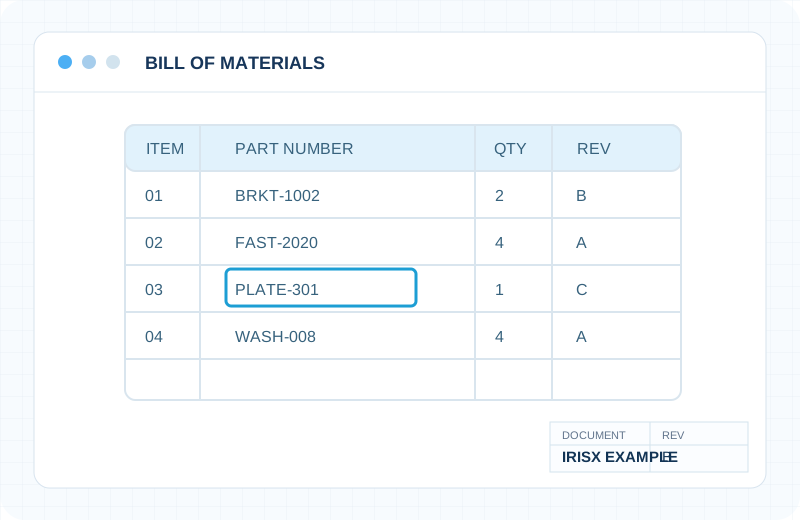
Tabular part data, quantities, revisions and structured records.
Scoped evaluation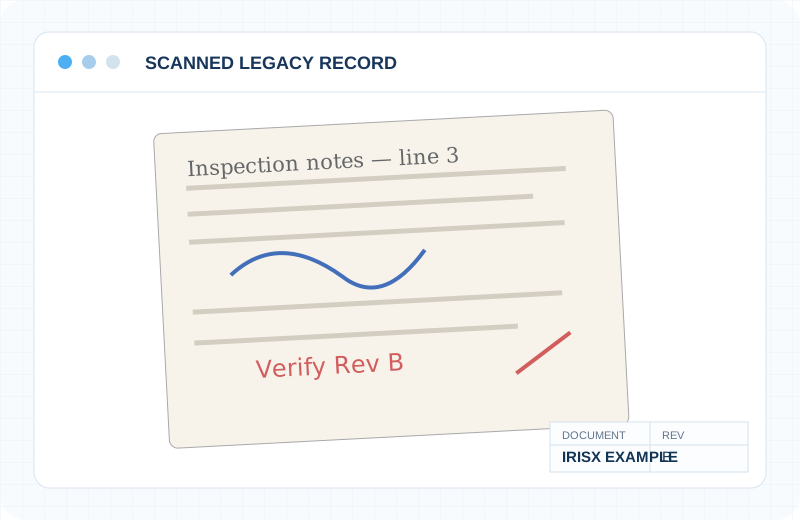
Difficult scanned drawings, notes, markups and nonuniform source quality.
Scoped evaluation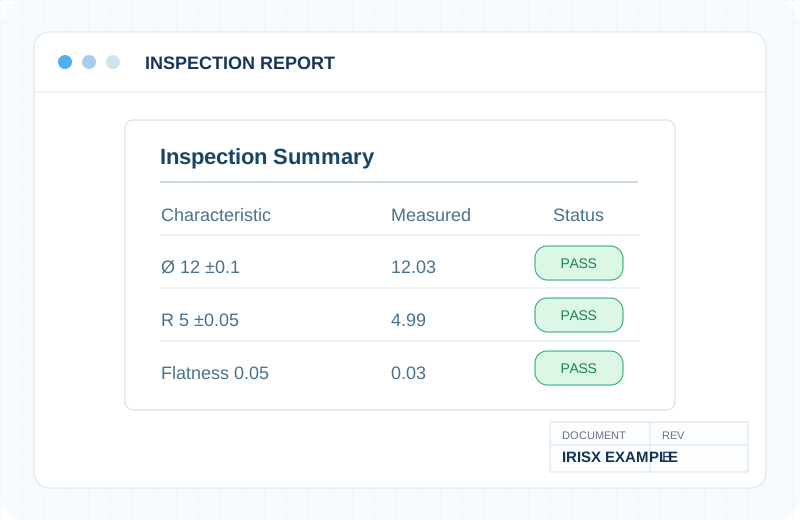
Measured characteristics, reports, technical fields and evidence.
Scoped evaluationFor a new document type, the right conversation is not “does AI support PDFs?” but “which technical fields, relationships and accuracy levels matter to you?”
Illustrative example: specification requirements and important values.
Show us a representative file and describe what you need to extract, connect or analyze.